PDF and photos
How to convert WebP to PNG
Chrome and many sites save WebP. PNG opens in more apps and can keep a clear background. You will convert a copy in this tab and check the edges.
Open convert when the .webp is on disk. Pick PNG, not JPG, if you need a clear background. Nothing is uploaded.
Open WebP to PNGContents
Decide why you need PNG
Some forms and older apps reject WebP. PNG keeps sharp edges and can keep transparency. JPG is smaller but fills a clear background.
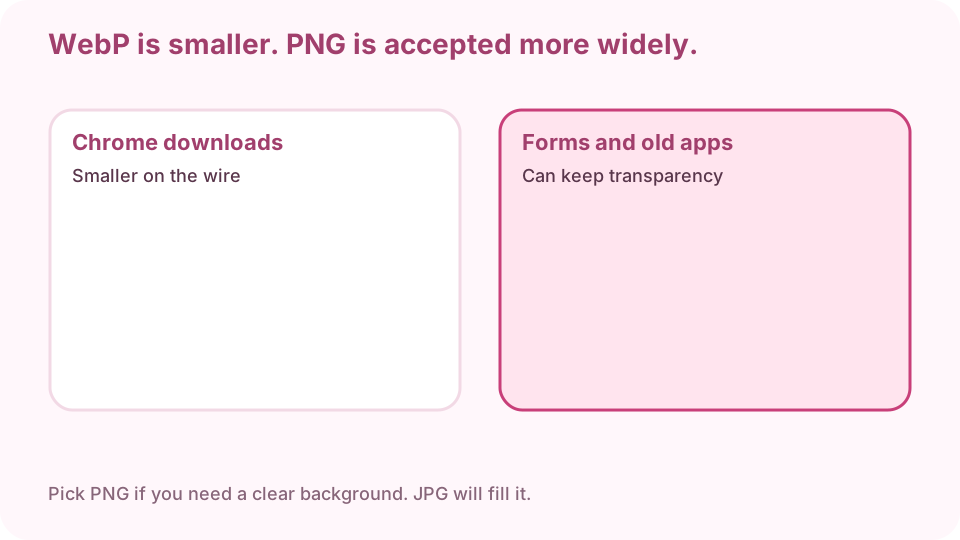
WebP is smaller. PNG is accepted more widely and can keep a clear background. Open HEIC to JPG on cv.cm
Work stays in this tab. Closing it discards the file.
Open WebP to PNGDrop the .webp file
One file or a batch. If the preview is blank, the browser cannot decode that WebP — try another browser.
Choose PNG, not JPG, if you need transparency
PNG keeps a clear background. JPG will fill it with white or a matte. Optional resize only if a form has a pixel cap.
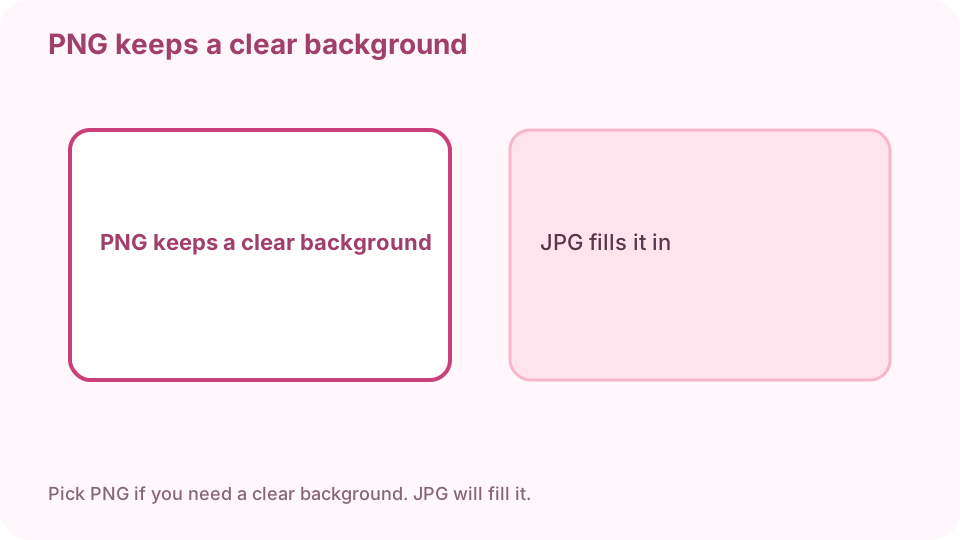
Drop WebP, pick PNG, open the result. Do not pick JPG if you need transparency. Download the PNG
Keep the WebP until you have opened the PNG.
Open it in the destination app
If it still fails, you sent the WebP by mistake. If the background turned solid, you exported JPG.
FAQ
Can I convert WebP to PNG free online?
Yes. cv.cm converts in this tab. Nothing is uploaded.
Why did Chrome save a WebP?
Many sites serve WebP because it is smaller. Save as PNG here when the destination rejects WebP.
Will transparency survive?
Yes if you export PNG. JPG will fill the background.
Are files uploaded?
No. Closing the tab discards them.
Can I convert WebP to JPG instead?
Yes. Pick JPG if you want a smaller photo and do not need transparency.