Money
How to add VAT to a price
You have an amount and a rate you already chose. You will pick exclusive or inclusive in this tab. Exclusive adds tax to a net price. Inclusive takes tax out of a gross price. 120 times 20% is the wrong tax on a price that already includes 20%.
Open VAT when you know whether the amount already includes tax. The page does not look up a country rate. Nothing is uploaded.
Open VAT calculatorContents
Say whether the amount already includes tax
A net price uses exclusive. A shelf price that already includes tax uses inclusive. Mixing them changes the tax.
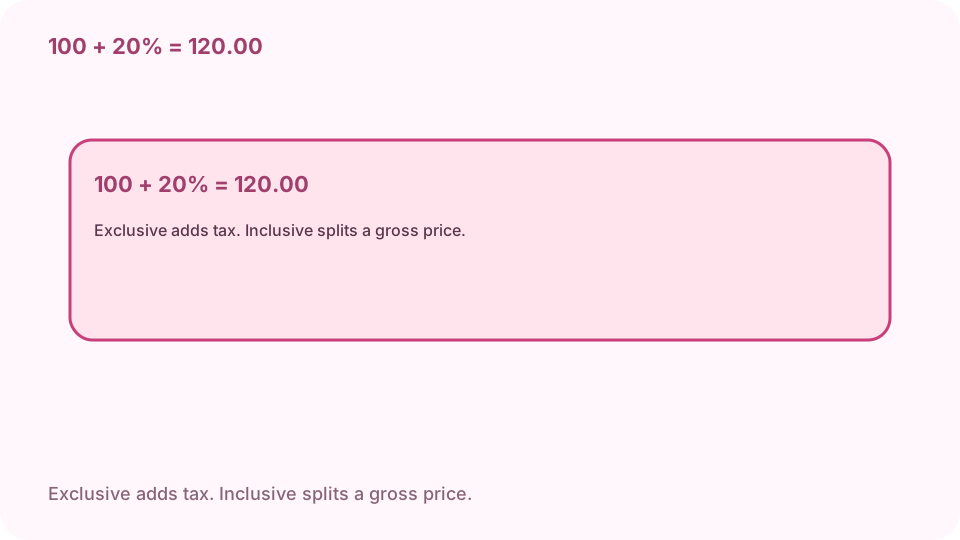
Net 100 at 20% exclusive: tax 20.00, gross 120.00. Open VAT on cv.cm
The arithmetic stays in this tab.
Open VAT calculatorType the amount and the rate you were given
The rate is the number you type. This page does not choose 20% or 10% for a country. A negative amount or a negative rate fails.
Add tax when the price is net
Exclusive on 100 at 20% is net 100.00, tax 20.00, gross 120.00. Gross is the amount plus the tax.
Split the price when tax is already inside
Inclusive on 120 at 20% is net 100.00, tax 20.00, gross 120.00. Tax is not 120 times 20%. That product is 24.00, which is the tax you would add to a net 120.
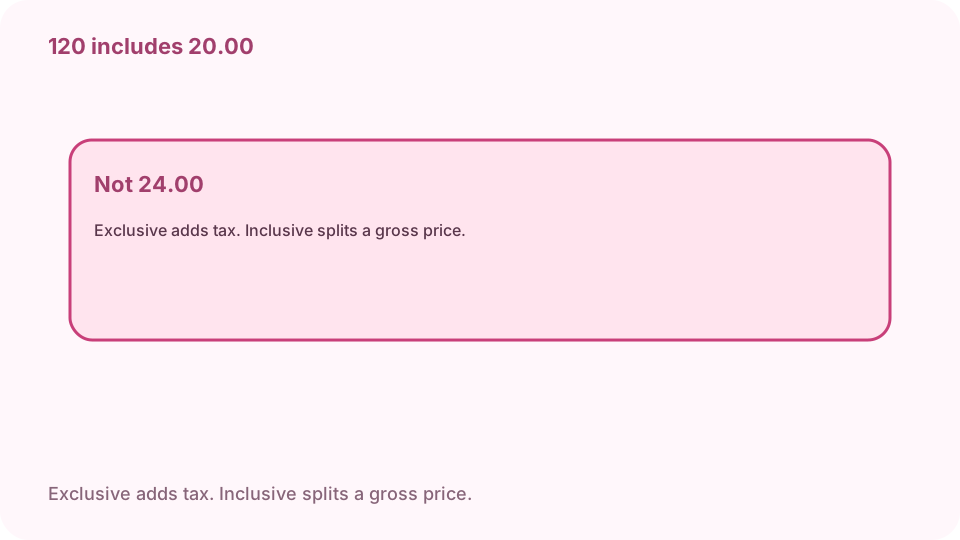
Gross 120 at 20% inclusive: tax 20.00, not 24.00. Copy net, tax, and gross
All three are two decimals. This is arithmetic on the numbers you typed. It is not a tax filing, and it does not name a currency.
FAQ
Can I add VAT to a price free online?
Yes. cv.cm shows net, tax, and gross in this tab. Nothing is uploaded.
What is 100 at 20% exclusive?
Net 100.00, tax 20.00, gross 120.00.
What is 120 at 20% inclusive?
Net 100.00, tax 20.00, gross 120.00. The tax is not 24.00.
Does the page look up a country rate?
No. You type the rate. The three lines are arithmetic, not a tax filing, and they do not name a currency.
Is the amount uploaded?
No. Closing the tab discards it.