Developer tools
How to test a controller and check stick drift
Your character keeps walking on its own, or a button feels dead. You will connect the controller to the browser, test every button and trigger, and read the sticks at rest to see if they drift. Nothing is uploaded.
Games hide small drift with a dead zone, so 0.05–0.15 may not matter; it tends to grow as a stick wears.
Open Gamepad testerContents
Connect the controller
Plug it in by USB or pair it by Bluetooth. Xbox, PlayStation, Switch Pro and most generic pads work in Chrome, Edge and Firefox.
Open Gamepad tester and press a button
Browsers only show a controller after a button press, so press any button. The panel shows its name, layout and how many buttons and axes it has.
Open Gamepad testerPress every button
Each button fills while held and stays outlined once it has worked. Squeeze the triggers slowly: they fill part way, showing their full travel.
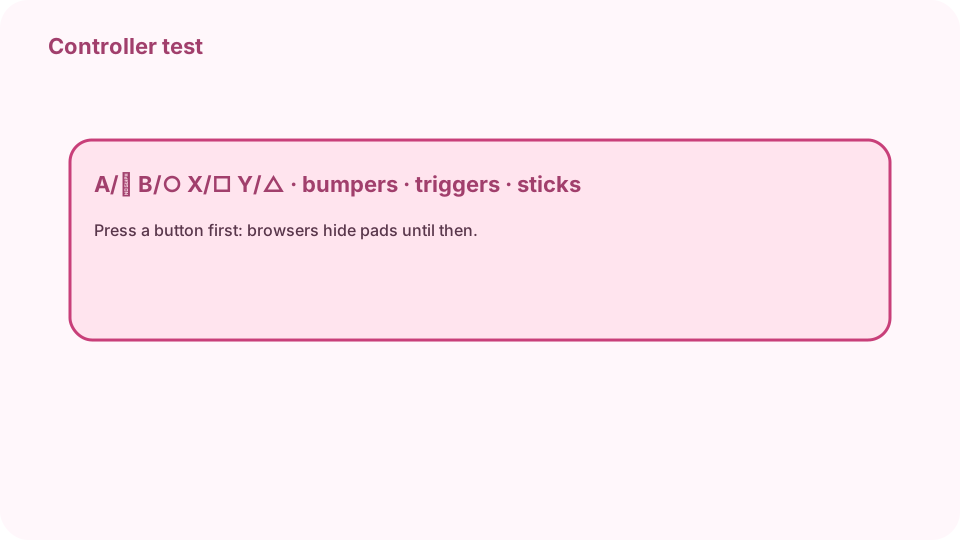
Standard layout: A/✕ B/○ X/□ Y/△, bumpers, triggers, sticks, D-pad. Check the sticks for drift
Move each stick around the edge, then let go. At rest it should read close to 0.00. Above 0.05 is slight drift; 0.15 or more usually shows in games.
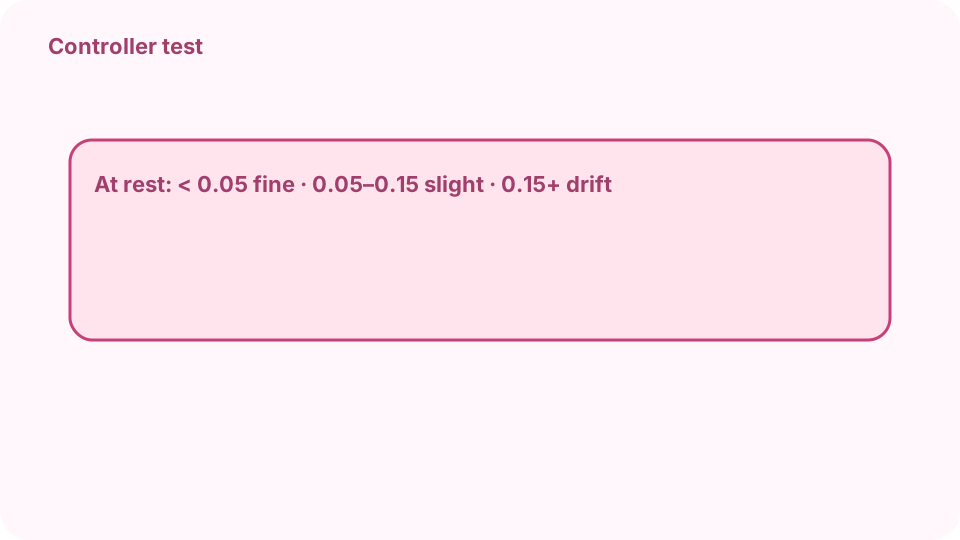
At rest: under 0.05 fine · 0.05–0.15 slight · 0.15+ drift. Try vibration
Press Test vibration. Both motors should rumble for under a second. It needs Chrome or Edge, and some Bluetooth links do not pass it through.
Decide what to do
For mild drift, raise the dead zone in the game's settings. Strong drift or a dead button usually needs cleaning, a stick module or a repair.
FAQ
What is stick drift?
A stick that reports movement when nobody touches it, usually because the sensor inside has worn or picked up dirt.
How do I read drift in the tester?
Let go of the stick and read the distance under it: near 0.00 is centred, above 0.05 slight drift, 0.15 or more drift.
Why does my controller not show up?
Press a button after connecting; browsers hide controllers until then. Also close Steam's input layer or other remapping tools if they grab it.
Does it work with Switch Joy-Con?
Usually as two separate non-standard pads with numbered buttons. A Switch Pro controller shows the standard layout in most browsers.
Is anything uploaded?
No. The tester reads the controller in your browser tab with the Gamepad API.