Money
How to calculate a profit margin
You have a cost and a selling price. You will read profit, margin, and markup in this tab. Margin divides by the price. Markup divides by the cost. They are not the same percent.
Open profit margin when you know both amounts. A zero price has no margin percent. A zero cost has no markup percent. Nothing is uploaded.
Open Profit marginContents
Name cost and selling price
Cost is what you paid. Price is what the buyer pays. Profit is price minus cost. A 30% margin is not a 30% markup.
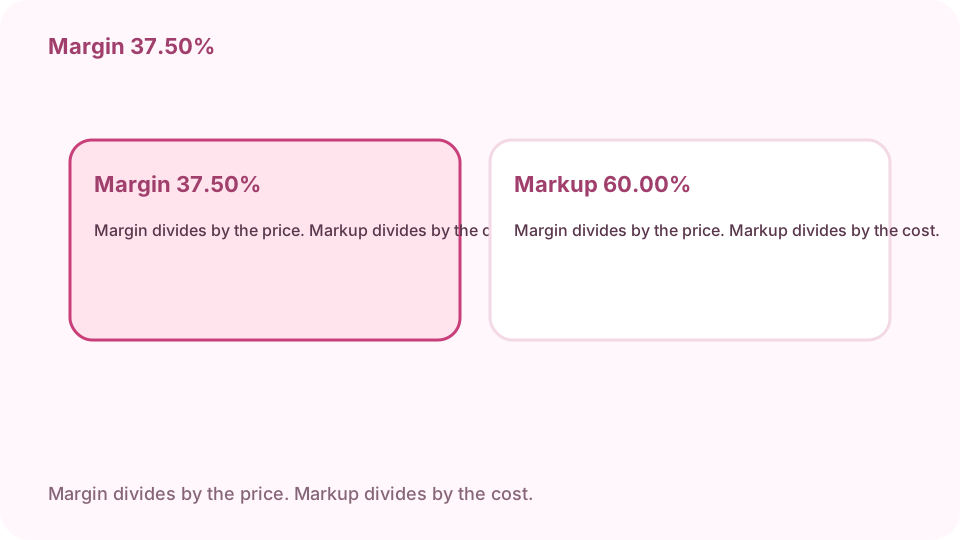
Cost 50, price 80. Profit 30.00. Margin 37.50%. Markup 60.00%. Open profit margin on cv.cm
The math stays in this tab.
Open Profit marginEnter cost and selling price
Both amounts must be zero or more. Both zero fails. Cost 50 and price 80 is the check: profit 30.00.
Read margin and markup as different percents
Margin is profit divided by the price: 30 / 80 is 37.50%. Markup is profit divided by the cost: 30 / 50 is 60.00%. Copy the line the form asked for.
A zero price or a zero cost drops one percent
A zero price has profit and markup, and the margin line is a dash. A zero cost has profit and margin, and the markup line is a dash.
Margin divides by the price. Markup divides by the cost. A price below cost is a loss
Profit, margin, and markup are then negative. Do not send a negative margin to a form that asked for a discount percent. A discount is a cut from a list price, which is a different job.
FAQ
Can I calculate a profit margin free online?
Yes. cv.cm shows profit, margin, and markup in this tab. Nothing is uploaded.
What is the difference between margin and markup?
Margin is profit divided by the selling price. Markup is profit divided by the cost. Cost 50 and price 80 is 37.50% margin and 60.00% markup.
What if the price is below the cost?
Profit, margin, and markup are negative.
What if the price or the cost is zero?
A zero price has no margin percent. A zero cost has no markup percent. Both zero fails.
Is this uploaded?
No. Closing the tab discards it.