PDF and photos
How to convert PNG to WebP
WebP is smaller than PNG and can keep transparency, unlike JPG. You convert a copy for the web, then check the file in a current browser.
Open convert when the .png is on disk. Pick WebP, not JPG, if you need a clear background. Old forms may still reject WebP. Nothing is uploaded.
Open PNG to WebPContents
Decide why you need WebP
A site or a chat that accepts WebP will load faster. Email and many school forms still want PNG or JPG. Do not convert if the destination rejects WebP.
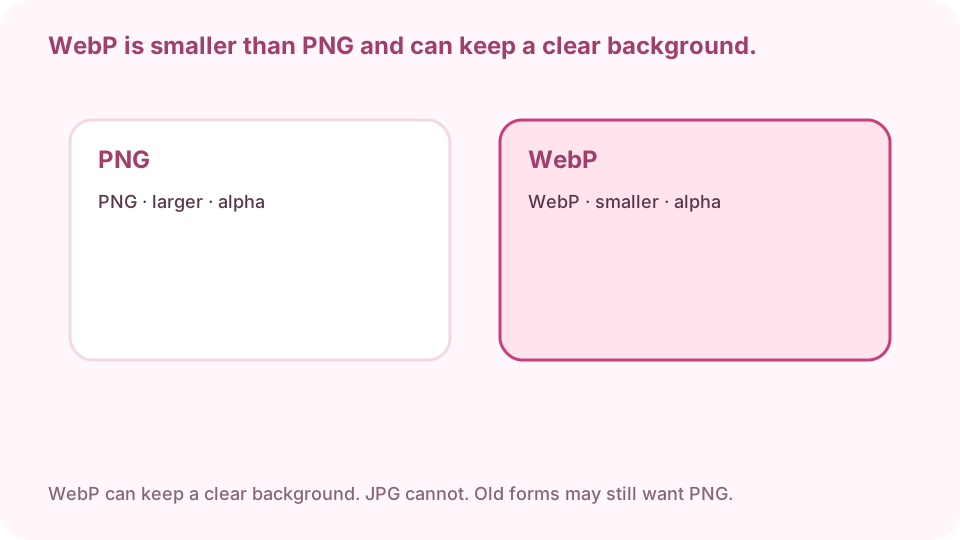
WebP is smaller than PNG and can keep a clear background. JPG cannot. Open HEIC to JPG on cv.cm
Work stays in this tab. Closing it discards the file.
Open PNG to WebPDrop the .png file
One file or a batch. If the preview is blank, try another browser.
Pick WebP, not JPG, if you need transparency
WebP can keep a clear background. JPG will fill it. Start quality near 0.9. Optional max edge only if a page has a pixel cap.
Pick WebP to keep alpha. Open it in a browser. Old forms may still want PNG. Download the WebP
Keep the PNG until you have opened the WebP.
Open it in a current browser
Check the edges and the file size against the PNG. If a form still rejects it, send the PNG. Converting does not add sharpness.
FAQ
Can I convert PNG to WebP free online?
Yes. cv.cm converts in this tab. Nothing is uploaded.
Will transparency survive in WebP?
Yes if you export WebP. JPG will fill the background. Keep PNG if a form rejects WebP.
Are files uploaded?
No. Closing the tab discards them.
WebP or JPG for a smaller photo?
WebP if you need transparency or a web page. JPG if email or a form that rejects WebP.
Can I convert PNG to WebP without Photoshop?
Yes. This page is the converter. No account.