QR codes and barcodes
How to make a QR code
A QR code is a door to one place. If the door is wrong, every poster is wrong. You will make one PNG in this tab and scan it before you print.
Use a full https URL. Do not encode a file. Host the file and encode the link. Open the QR tool when you have the URL.
Open Free QR code generatorContents
Decide what the code should open
A page, a menu, a payment link: encode the https URL. A Wi-Fi name or table number can be plain text. Do not paste a file path. If the destination might change, encode a short URL you control.
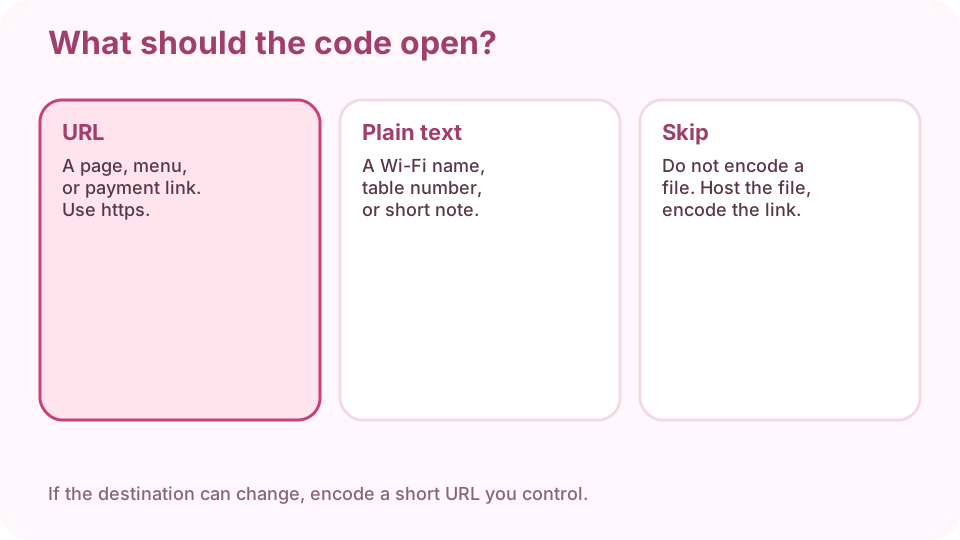
Three destinations: a https URL, short text, or a file you must not encode. Open the QR tool and paste the URL
Open the QR generator on cv.cm. Paste the full address, including https://. If you omit the scheme, some cameras search the words instead of opening the site. Check the preview still shows your text.
Open Free QR code generatorLook at contrast and quiet zone
Dark modules on a light ground scan more reliably. Leave a white margin around the square — that quiet zone is part of the code. Do not put the code on a busy photo without a white pad.
Download a PNG
Download the PNG. Keep this file; do not screenshot the preview. A screenshot can add compression and crop the margin.
Scan it with a phone before you print
Open the camera 20–30 cm away. The page must load. If you get a search box, the URL was incomplete. If nothing happens, enlarge the code or add margin. Only then print or send.
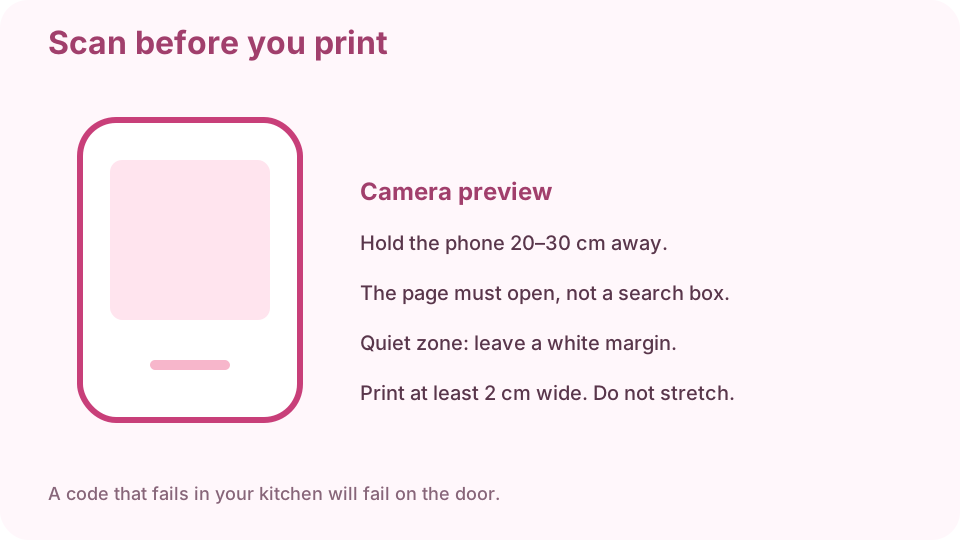
Scan the PNG with a phone before any print run. The page must open. Print large enough, without stretching
On paper, keep the square at least 2 cm wide, more if it will be read from a door. Scale uniformly. A stretched rectangle will fail. After printing, scan the paper once more.
FAQ
Can I make a QR code for free online?
Yes. The generator on cv.cm runs in this tab. Nothing is uploaded.
Do I need an app?
No. A current phone camera reads the PNG. You only need the generator to create it.
Can I make a Wi-Fi QR code?
You can encode the network name as text. Guests still type the password unless you use a WIFI: payload your camera understands.
Why does it open a search instead of my site?
The URL is missing https:// or has a space. Paste the address from the browser bar and scan again.
How large should I print it?
At least 2 cm wide on paper, with a white margin. Scan the print. If it fails, print larger, do not stretch.