Photos
How to make a meme
A meme is a photo plus two short lines. You will drop an image, type top and bottom, and check that the type still reads at the size of a chat bubble.
Open the meme tool when the photo is on disk. Keep lines short. Nothing is uploaded.
Open Meme generatorContents
Pick a photo that still reads small
A busy background fights the type. A face or a clear object works better than a landscape.
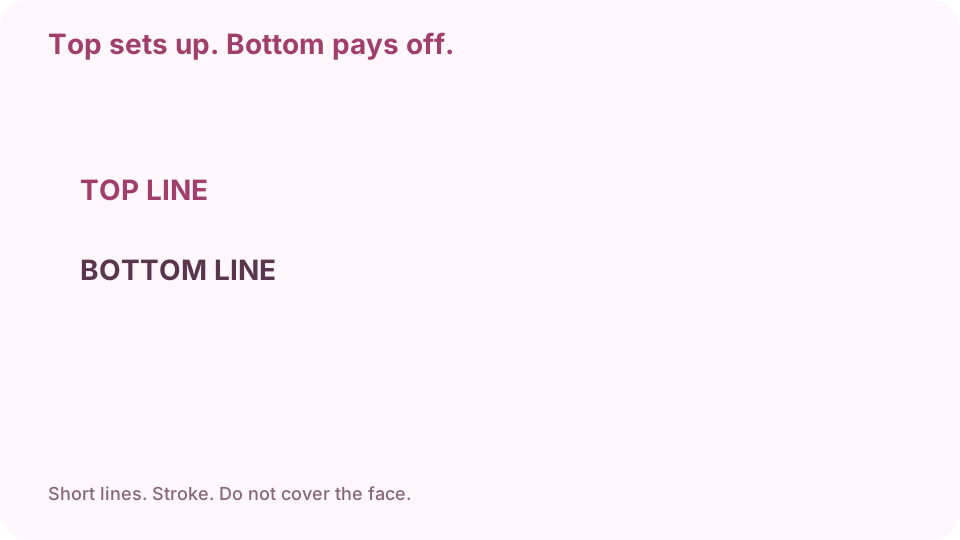
Top line sets up. Bottom line pays off. Keep both short. Open meme on cv.cm
Work stays in this tab.
Open Meme generatorDrop the image
If the preview is blank, convert HEIC first.
Type a short top and bottom line
All caps is the usual look. Two to seven words per line. Do not write a paragraph.
Check wrap and stroke
The outline is what keeps white type readable on a bright photo. If a line covers a face, shorten it.
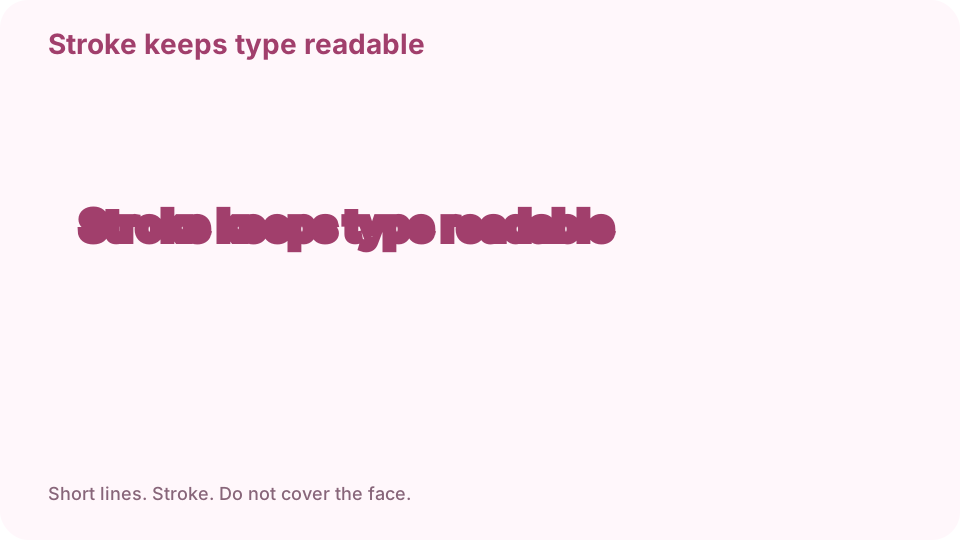
Stroke keeps type readable. Do not cover the face. Download PNG and view at phone width
If it only reads full-screen, it will fail in a chat. Keep the original unmarked photo.
FAQ
Can I make a meme free online?
Yes. cv.cm draws in this tab. Nothing is uploaded.
Do I need Photoshop or an app?
No. A current browser is enough.
What font should a meme use?
Heavy sans with a dark stroke, usually all caps. This tool uses that look.
Are photos uploaded?
No. Closing the tab discards them.
Can I make a meme on iPhone?
Yes in Safari. If a HEIC will not preview, convert it to JPG first.