Photos
How to make a favicon
A favicon has to read at 16 pixels. You will square the mark, choose Cover or Contain, and download an ICO for classic tabs plus a PNG zip for touch icons.
Open favicon when the mark is on disk. Cover fills the square and may crop. Contain letterboxes. White background is on by default. Nothing is uploaded.
Open Favicon generatorContents
Start from a mark that still reads tiny
A busy photo dies at 16 pixels. A letter, a simple shape, or a high-contrast logo works. Crop the subject before you come here if the frame is wide.
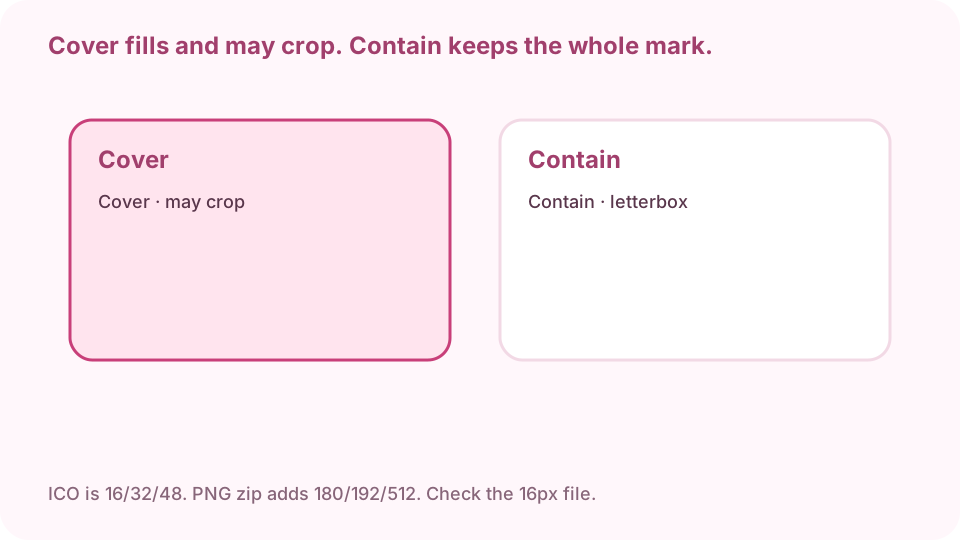
Cover fills and may crop. Contain keeps the whole mark and letterboxes. Open favicon on cv.cm
Work stays in this tab.
Open Favicon generatorDrop the image
If the preview is blank, convert HEIC first.
Choose Cover or Contain, and white background
Cover fills the square and may crop. Contain keeps the whole mark and letterboxes. Leave white background on for a classic tab. Uncheck it if you need a transparent PNG.
Download ICO and the PNG zip
ICO packs 16, 32, and 48 for classic tabs. The zip also has 180, 192, and 512 for Apple touch and PWA icons. Keep the original mark.
ICO is 16/32/48. PNG zip adds 180/192/512. Check the 16px file. Open the 16-pixel PNG
The 256 preview lies. If the 16px file is a blur, simplify the mark or switch to Contain. Put favicon.ico at the site root and link the PNGs in the HTML.
FAQ
Can I make a favicon free online?
Yes. cv.cm draws in this tab. Nothing is uploaded.
What sizes are in the ICO?
16, 32, and 48 pixel PNG images packed into one favicon.ico.
Do I need Apple touch icons too?
The PNG zip includes 180, 192, and 512. Link those in HTML for home-screen icons.
Are photos uploaded?
No. Closing the tab discards them.
Can I keep a transparent background?
Yes. Uncheck white background. Contain then letterboxes on transparency.