Developer tools
How to decode Base64
You have a Base64 string, or text to encode. You will pick decode or encode in this tab and copy real text. This page prints UTF-8. It does not rebuild a PNG or a PDF.
Open Base64 when the string is in front of you. Decode wants A–Z, a–z, 0–9, plus, slash, and = padding. Nothing is uploaded.
Open Base64Contents
Look at the alphabet before you paste
Standard Base64 uses plus and slash. URL-safe uses minus and underscore. This page accepts only the standard alphabet. A data: prefix is not part of the payload.
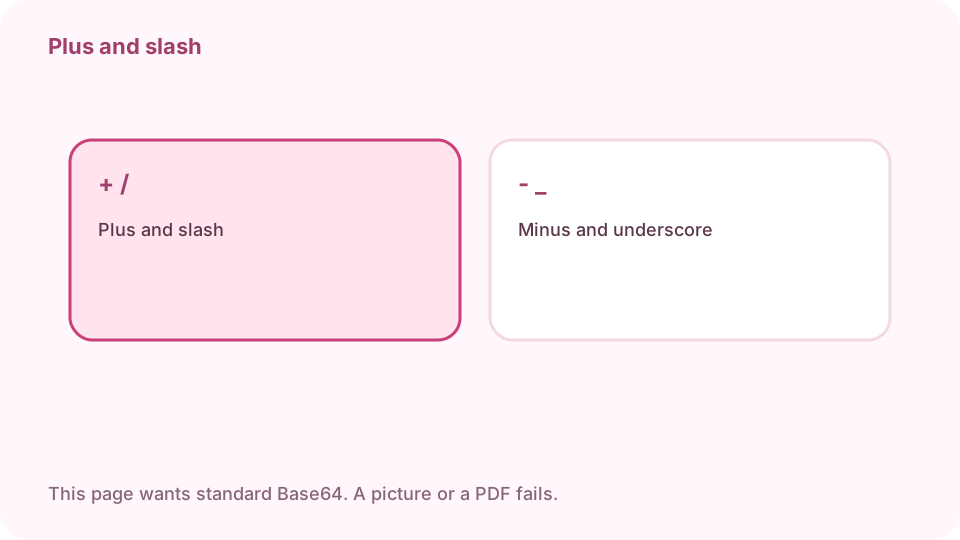
Standard uses plus and slash. URL-safe uses minus and underscore. This page wants standard Base64. Open Base64 on cv.cm
Work stays in this tab.
Open Base64Choose decode or encode
Decode turns Base64 into text. Encode turns text into Base64 using UTF-8 bytes. Encoding a string that is already Base64 wraps it a second time.
Paste the text
Line breaks and spaces are removed on decode. After that, the length must be a multiple of 4, with = only at the end.
If decode fails, it is not UTF-8 text
Minus and underscore are refused. Missing = fails. A PNG, a PDF, or a data URL is bytes, so this page will not print it. Swap minus to plus and underscore to slash, and pad with =, only when you know the payload is text.
Decode prints UTF-8 text. A picture or a PDF fails. Copy a word you recognize. Copy and check a word you expect
If the text is garbled, the bytes were not UTF-8. Drop that result. To check an encode, decode the output and you should see the same text.
FAQ
Can I decode Base64 free online?
Yes. cv.cm encodes and decodes in this tab. Nothing is uploaded.
Why does my string fail?
Minus and underscore are refused. The length must be a multiple of 4. Padding is =. Remove a data: prefix, and the payload must be text.
Can I decode an image?
No. This page prints UTF-8 text. A PNG or a PDF is bytes, so decode fails on purpose.
Does encode use UTF-8?
Yes. Letters outside ASCII become their UTF-8 bytes, then standard Base64.
Is the string uploaded?
No. Closing the tab discards it.