Dates and time
How to convert a time zone
Someone named a clock time in one city. You will choose that zone as the source and the other zone as the destination, then read the offset. Adding the offset again after the page has converted the time moves the meeting.
Open the timezone converter when you know which zone owns the clock. Now fills the current wall time in the source zone. Nothing is uploaded.
Open Timezone converterContents
Name the zone that owns the clock
A 9:00 from a New York calendar belongs to America/New_York, even if you are in Shanghai. The source is their clock. The destination is the clock you need.
Source is the zone that owns the clock. Destination is the clock you need. Open the timezone converter on cv.cm
Conversion stays in this tab.
Open Timezone converterSet both zones and the date-time
Now fills the current wall time in the source zone. The date matters because the offset can change.
Read the offset on that date
New York in January is UTC−05:00. In July it is UTC−04:00. The page uses the IANA rule for the date you picked. A skipped hour in spring does not exist. A repeated hour in autumn happens twice. If your time sits in that gap or overlap, read the offset before you trust the wall time.
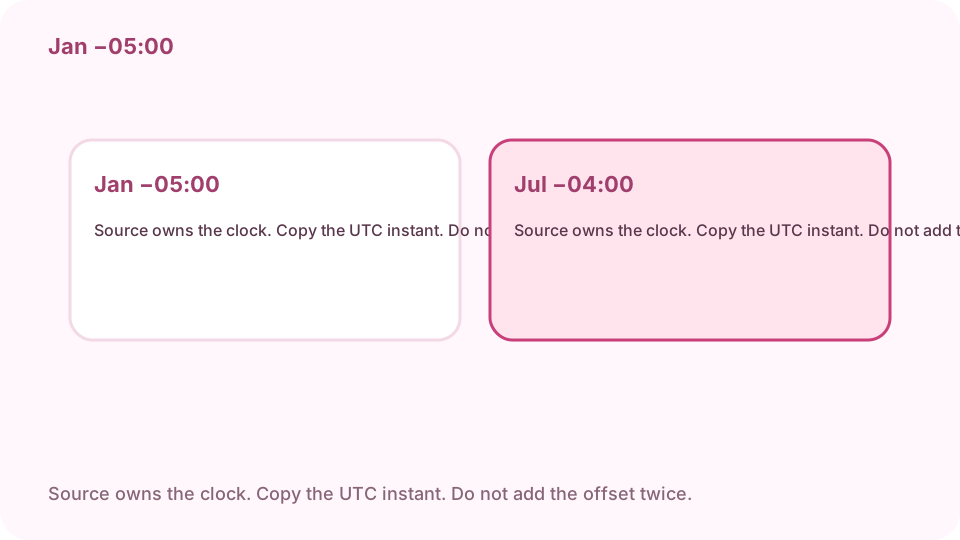
January in New York is UTC−05:00. July is UTC−04:00. Copy the UTC instant. Copy the UTC instant
Copy puts the ISO time in UTC on the clipboard. That is the same moment. It is the instant, and the wall-clock line stays on the page. An API that wants UTC wants that ISO string.
Leave the offset where the page put it
The result is already the other zone's clock. Adding +8 or −5 again moves the meeting. Compare one known moment, such as 12:00 in the source zone, before you send the time.
FAQ
Can I convert a time zone free online?
Yes. cv.cm converts a wall time between two IANA zones in this tab. Nothing is uploaded.
Does daylight saving apply?
Yes. New York in January is UTC−05:00. In July it is UTC−04:00. The offset follows the date you picked.
Which zone is the source?
The zone that owns the clock you were given. A New York 9:00 stays America/New_York even if you are somewhere else.
What does copy put on the clipboard?
The ISO time of that instant in UTC. The wall-clock line stays on the page.
Is the time uploaded?
No. Closing the tab discards it.