Math and school
How to find an aspect ratio
You have a width and a height in pixels. You will reduce them in this tab. The order matters: 1920×1080 is 16:9, and 1080×1920 is 9:16. The page rounds to whole pixels first. It does not cut the picture.
Open aspect ratio when you know the two pixel counts. Width and height must be greater than zero. Nothing is uploaded.
Open Aspect ratioContents
Keep width and height in order
1920 wide and 1080 tall is 16:9. 1080 wide and 1920 tall is 9:16. A portrait frame and a landscape frame are not the same ratio.
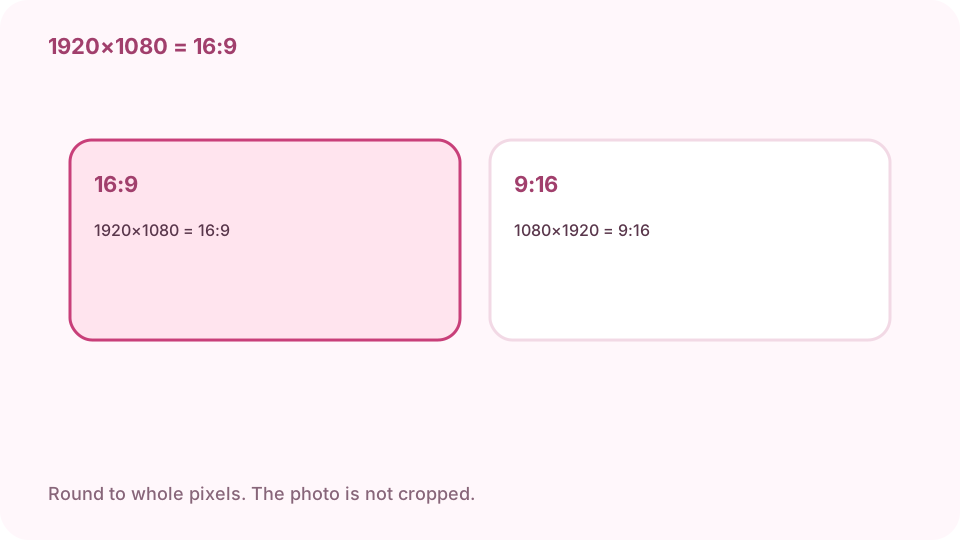
1920×1080 is 16:9. 1080×1920 is 9:16. Open aspect ratio on cv.cm
The reduction stays in this tab.
Open Aspect ratioEnter width and height in pixels
Both must be greater than zero. The page rounds each number to a whole pixel before it reduces. 1920 and 1080 become 16 and 9.
Read the reduced ratio and the decimal
16:9 is the reduced pair. The decimal is width divided by height, about 1.7778 for 1920×1080. Copy keeps the ratio text.
Rounding happens before the ratio
A decimal pixel count becomes the nearest whole pixel. If the rounded pair is not the frame you meant, type the whole pixels from the file.
Round to whole pixels first. The photo is not cropped. Leave the photo uncut
This page only reduces two numbers. 1920×1080 becomes 16:9 on the page, and the picture stays 1920 by 1080. Cropping is the crop tool.
FAQ
Can I find an aspect ratio free online?
Yes. cv.cm reduces width and height in this tab. Nothing is uploaded.
What is 1920 by 1080?
16:9. Swap them and it is 9:16.
Does this crop the photo?
No. It only reduces the two numbers. The picture stays the size you typed.
What happens to decimals?
Each side is rounded to a whole pixel before the ratio.
Are the numbers uploaded?
No. Closing the tab discards them.